
Kitchen display, counter sales and the floor plan
Early accessTickets on a screen, cash in the drawer, tables on a plan.
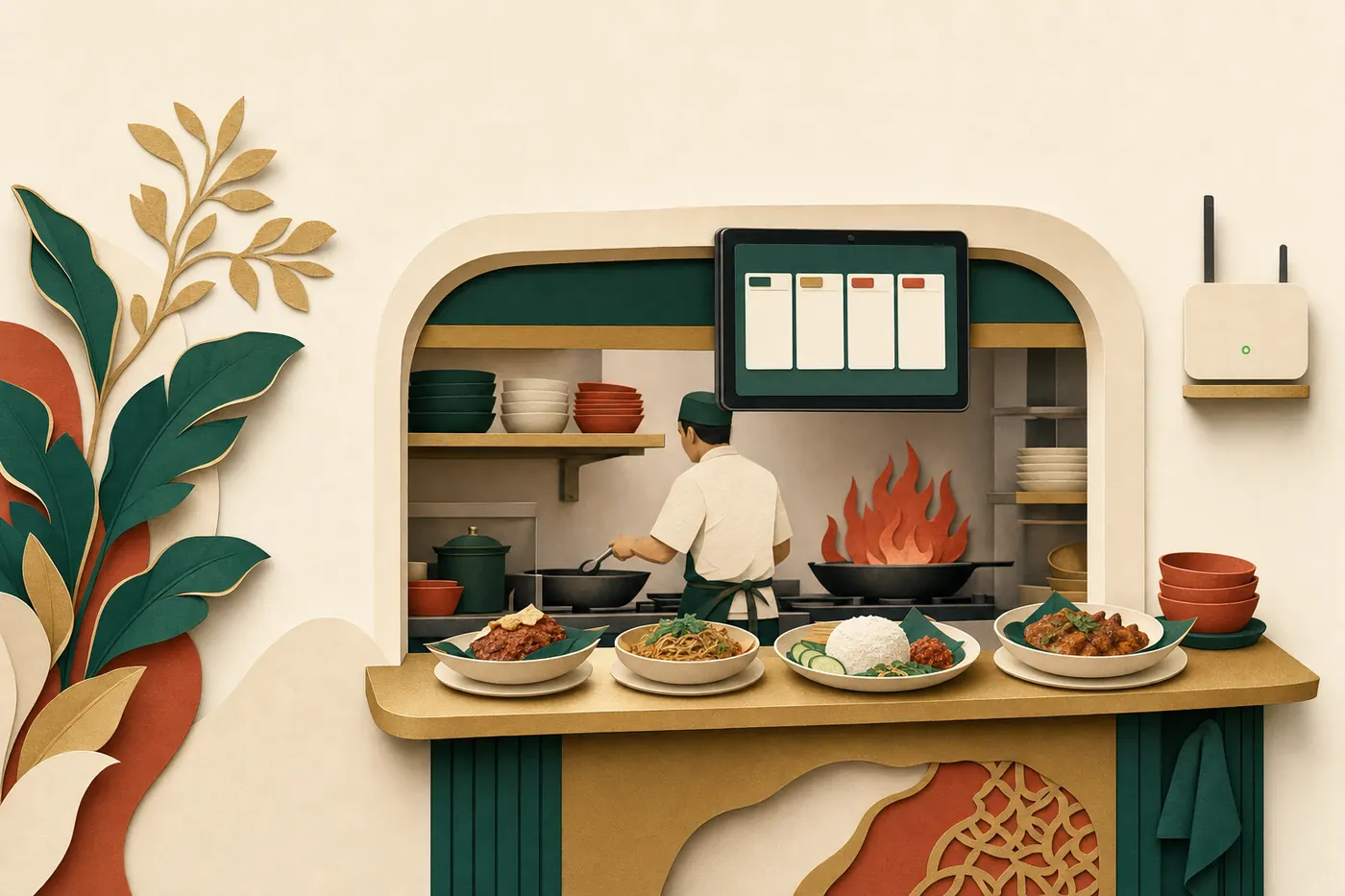
Kitchen display screens that keep working when the internet drops, a cash counter that cannot double-charge, and a floor plan with reservations and a waitlist. Installed and handed over by a trained installer.
Who it is for
Kitchens tired of paper chits and shouted orders.
Counters that run on cash and need a drawer they can reconcile.
Table-service outlets that want a live plan, reservations and a waitlist.
What you can do
Run each station from its own board
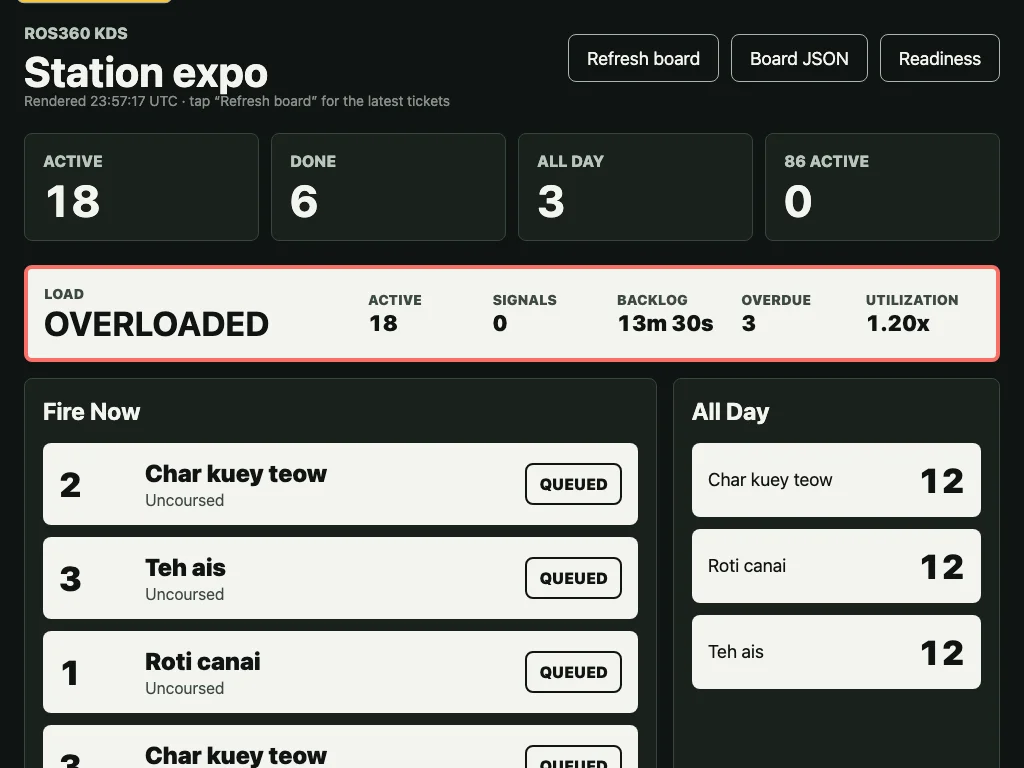
Tickets route to the right station with their course. Tap to start, tap to finish, flag a problem, recall or remake. An all-day view rolls up quantities per station.
Keep cooking through an outage
A small node on your premises keeps routing, bumping, 86 and the service-day phases going when the internet is down. When it returns, everything uploads in order, once.
86 an item with a reason
Stockout, prep shortage, equipment down, food-safety hold, staff skill or manual. The change shows on every screen.
Run the service day
Not started, prep, service, closing, closed. Closing checks recall reviews, waste prompts, 86 carryover and the upload queue before it lets you close.
Sell at the counter, cash first
Build the order from the menu grid, confirm, send to the kitchen, take cash and finalise. Every step is recorded so a lost connection cannot double-charge or double-fire.
Reconcile the drawer blind
Open and close cash sessions, record movements, count blind, recount and resolve the variance. Deposits carry bag, seal and witness.
Print receipts and request e-Invoice records
Request a receipt print and an e-Invoice submission record for a sale. The MyInvois QR shows once a validation has been returned.
Seat the room from a live plan
Drag-and-drop layout editor with undo, sections, table states, wait-time quotes, reservations, a priority waitlist and guest notes. Staff cover sections with auto-balance.
How it works
Pair the screens
An owner mints a six-digit pairing code. The tablet enrols with it and receives its own credential. Staff unlock a station each shift with an individual PIN.
Serve
Orders from the counter dispatch to the kitchen once, exactly once. Cooks bump items and the expo lands the table together.
Close
Count the drawer blind, record the deposit, and close the service day with its checks cleared.
Built to be checked
- Every counter command carries an idempotency key with durable pending-intent recovery, so a lost network response cannot double-charge. In the product
- Kitchen devices authenticate with a per-device credential and a one-use signed proof on every write, not a shared password. In the product
- The floor plan editor keeps 40 steps of undo and blocks publishing while the issues checklist has a blocking item. In the product
Honest limits
Frequently asked questions
Can I keep my current POS and still use the kitchen screens?
Kitchen tickets come from orders captured in ChowChirp. If you keep your current POS for sales, ChowChirp focuses on the back of house, and the kitchen screens wait until you move order capture across.
What happens when the internet drops mid-service?
The node on your premises keeps the boards, 86 and the service day running. Staff can unlock a station with an offline PIN that was staged while online. When the line returns, the queue uploads in order.
What hardware do I need?
Android or iPad tablets for the kitchen, a small always-on computer for the node, and your existing receipt printer and cash drawer. The installer confirms the list during preflight.
Why is this marked early access?
The software is built and installable. We say early access until a reference outlet has run a full peak service with outage and recovery on record. We would rather tell you that than promise it.
Related modules
Recipes and menu
Costed recipes tie your menu to your stock. Menu engineering sorts dishes into stars, plowhorses, puzzles and dogs. The allergen matrix and the feasibility board tell the floor what is safe and what is short before service.
Stock
Receive deliveries against purchase orders, count stock on a phone, log waste and transfers, and see what every balance is based on. Low-confidence numbers tell you which count would fix them.
Loss prevention
Voids, no-sales and discounts reviewed by someone other than the person who made them. Till variances, deposits and safe counts reconciled. Cases with a chain of custody, and evidence released only to a named recipient.
See ChowChirp on your own invoices.
A 30-minute walkthrough on a screen share. Bring three real supplier invoices and we will run them through the review loop live.