
Inventory
Count once, and know what you have with a confidence you can see.
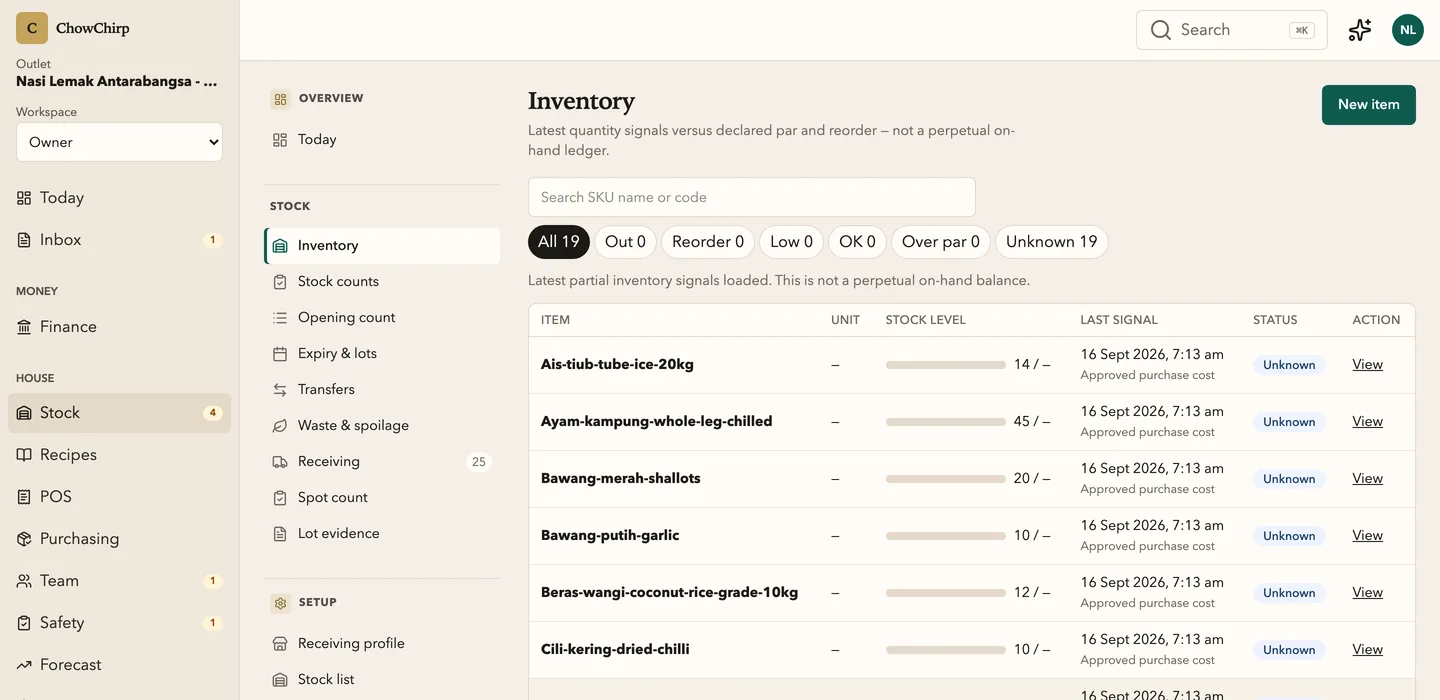
Receive deliveries against purchase orders, count stock on a phone, log waste and transfers, and see what every balance is based on. Low-confidence numbers tell you which count would fix them.
Who it is for
Managers who run the stocktake and receive the deliveries.
Owners who want to see what stock is worth and where it is leaking.
Chefs who need to know what is short before service.
What you can do
Receive against the purchase order
Expected lines are pre-filled. Accept what arrived, note what did not, and record the delivery note, batch and expiry evidence.
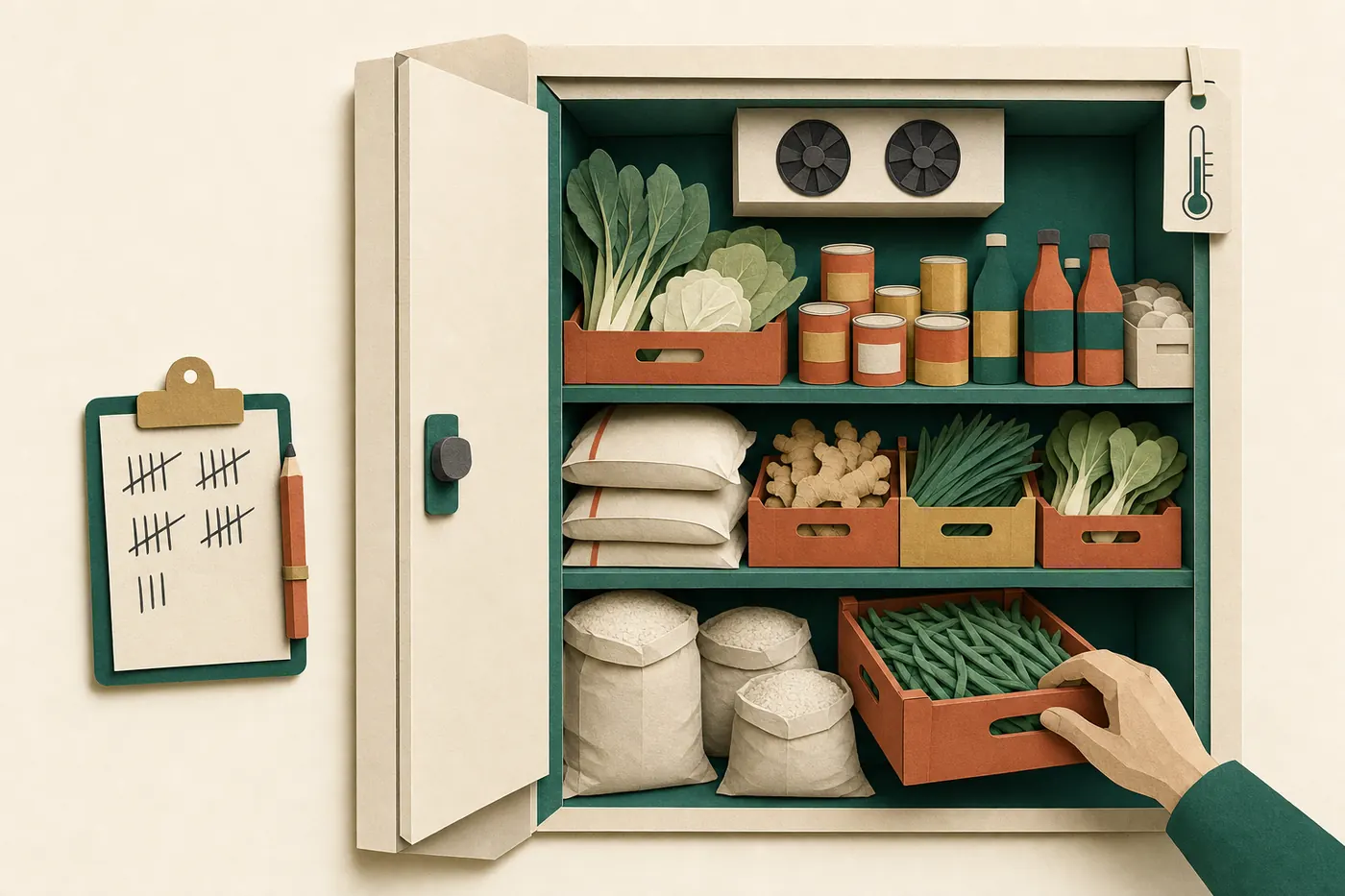
Count on a phone in the cold room
One count sheet serves the opening balance, the full stocktake and quick spot counts. The last known quantity is shown beside each line, and you can count in a different unit with an on-the-spot conversion.
See the variance before you submit
Stocktakes compute the variance on the server and hand it to the variance report. Nothing is overwritten. The physical count, the invoice and the balance each keep their own record.
Log waste and expiry
Record waste with a reason. Track items expiring in 2, 7 and 14 days with expired, today and soon badges.
Transfer between outlets
Move stock from one outlet to another with the cost carried from the last observed price.
Keep the catalogue clean
Units, suppliers, storage areas, SKUs, supplier packs and unit conversions are owner-level master data. Every change asks for a second factor.
Handle the exceptions honestly
A delivery with no purchase order can be received by an owner with a recorded reason: emergency purchase, system outage, legacy recovery or owner authorised. Quantity mismatches are resolved with a reviewed disposition, not a silent edit.
How it works
Set the opening balance
Walk each storage area once with the count sheet. That count becomes the cutover point from your old records.
Receive and consume
Deliveries add stock from the purchase order and the approved invoice. Sales from a native counter deplete it through recipes.
Count and compare
Spot counts and stocktakes show the variance and raise the confidence of every balance they touch.
Built to be checked
- Receiving without a purchase order is owner-only, needs a second factor, and records one of four controlled reasons. In the product
- Quantity mismatch resolution records a reviewed disposition without overwriting the physical receipt, the invoice or the balance. In the product
Honest limits
Frequently asked questions
How long does a stocktake take?
The count sheet is built for one lap of each storage area on a phone, with the last quantity ghosted beside each line. Most outlets count their core items weekly and everything monthly.
What does the confidence badge mean?
It tells you what the balance is based on: the last physical count, the recipe mapping and the receipts since. A low badge names the count or mapping that would raise it.
Can I count in cartons when the recipe uses grams?
Yes. Enter the counted unit and the conversion factor on the spot, and the balance is stored in the base unit.
Does it work across outlets?
Yes. Each outlet has its own balances and storage areas, and transfers between outlets carry the cost.
Related modules
Invoices and documents
Supplier invoices, credit notes and delivery notes go from a photo to an approved bill in one screen. The AI fills the fields, a person checks the exceptions, and one approval posts to payables and stock.
Recipes and menu
Costed recipes tie your menu to your stock. Menu engineering sorts dishes into stars, plowhorses, puzzles and dogs. The allergen matrix and the feasibility board tell the floor what is safe and what is short before service.
Purchasing
Requisitions, purchase orders, quotes, supplier comparison and receiving in one numbered pipeline. Every order carries Malaysian tax codes and links forward to the delivery and the invoice.
See ChowChirp on your own invoices.
A 30-minute walkthrough on a screen share. Bring three real supplier invoices and we will run them through the review loop live.